YOUR PLACE TO GROW

events rooms

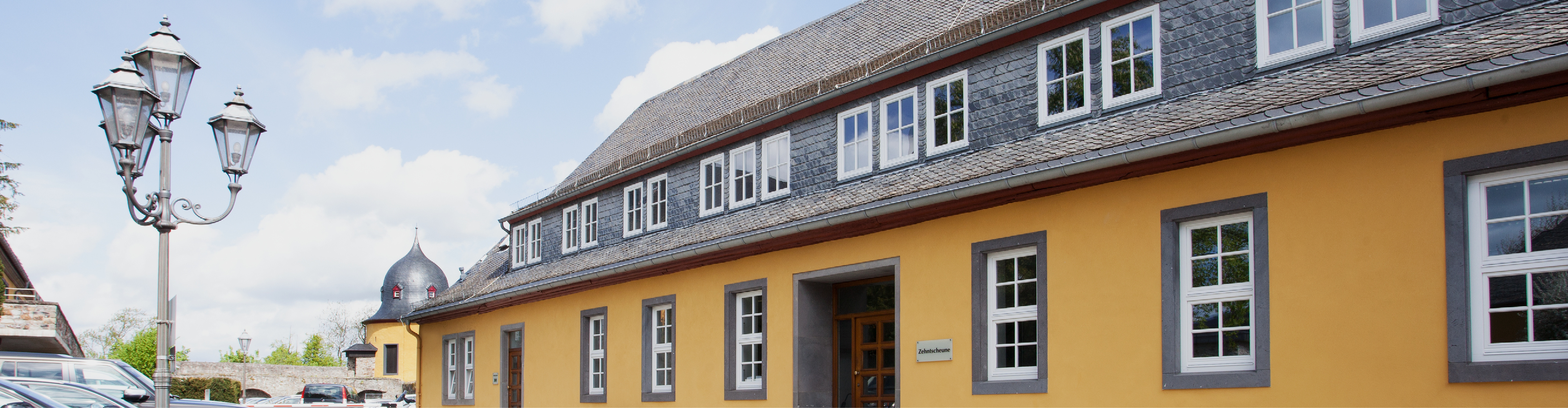
Zehntscheune building

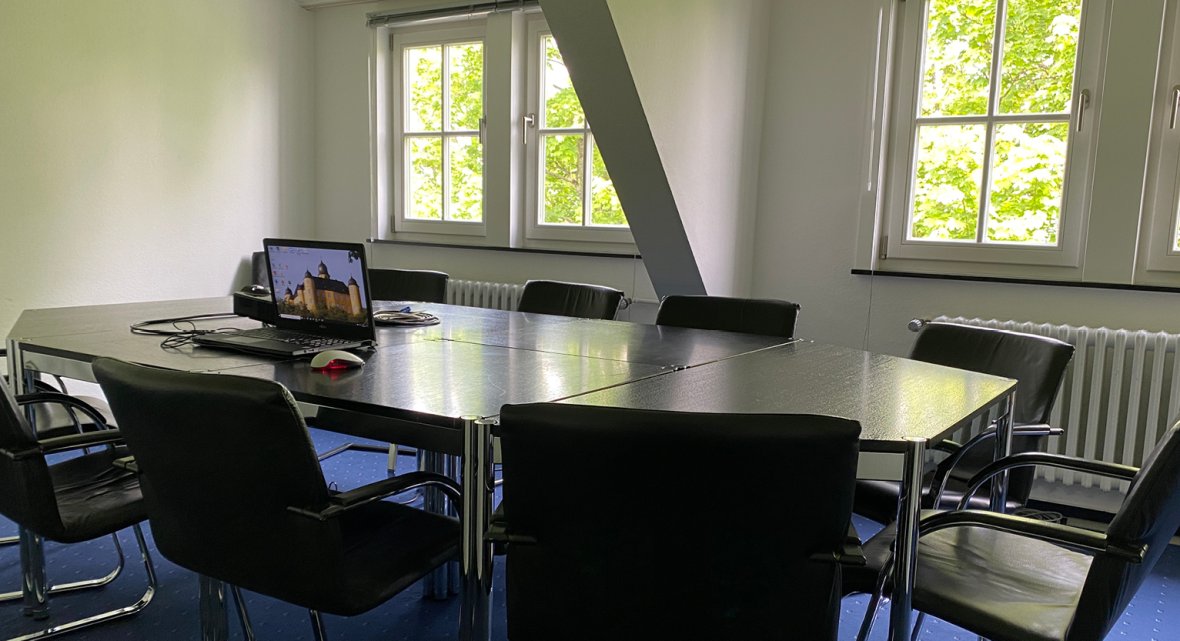
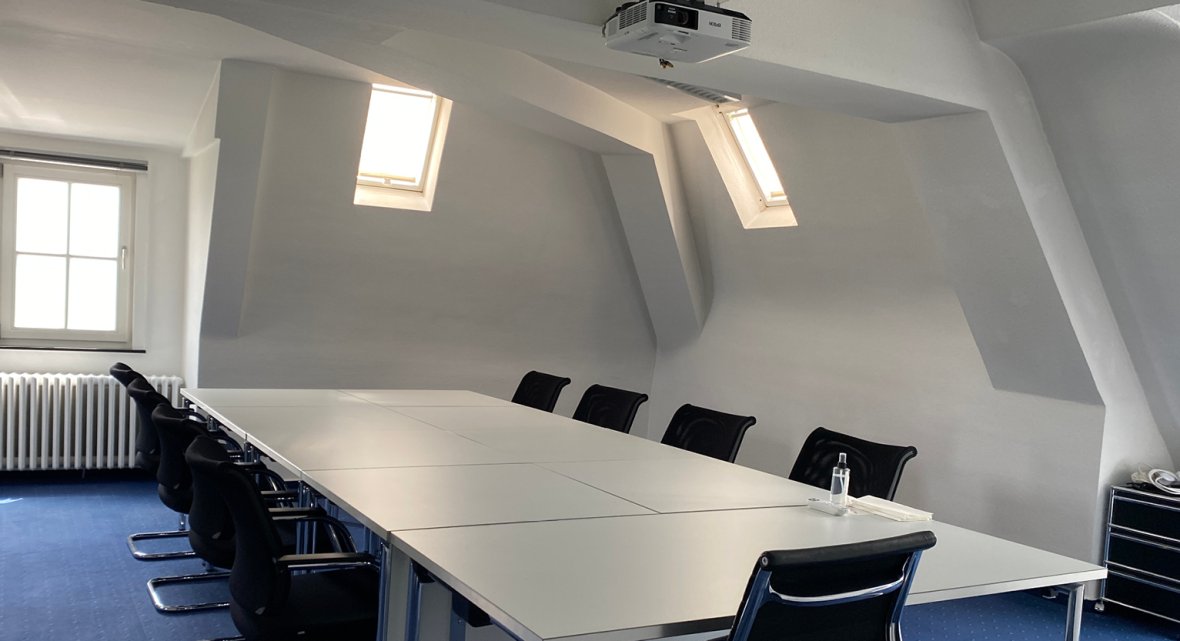
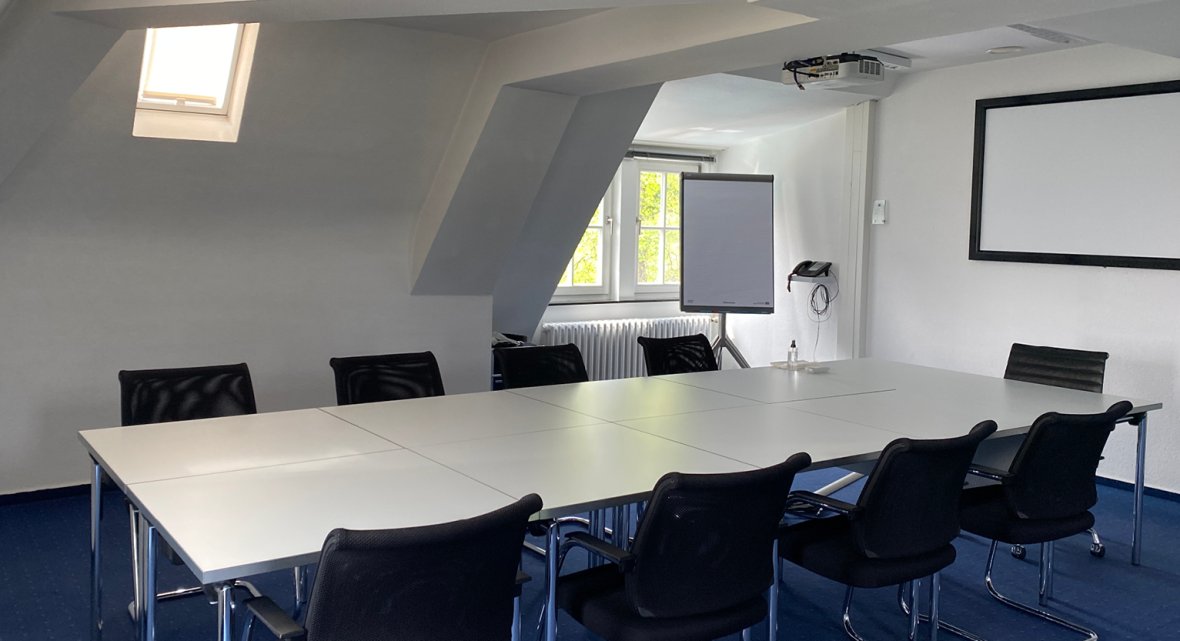
With its 17 rooms equipped with modern technology and offering space for six to 60 participants, the exclusive Zehntscheune building in the castle grounds is a great venue for your event. 
The brand tower from Volksbanken Raiffeisenbanken

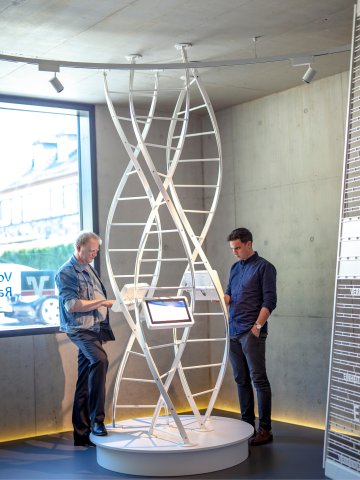
In addition to the excellent conference facilities in the Zehntscheune building, there is another highlight within the immediate vicinity: let your gaze wander over the brand tower from Volksbanken Raiffeisenbanken.
Discover this fascinating multimedia brand world that illuminates every aspect of branding. Experience for yourself the allure that brands exert via multimedia installations and learn about the impact of branding – from the birth of the collaborative concept behind the cooperative banking group, to the power of other famous brands, through to an analysis of your own behaviour. Develop your awareness of the relevance and impact of strong brands and learn through multimedia what makes brands unique. 

In addition to the excellent conference facilities in the Zehntscheune building, there is another highlight within the immediate vicinity: let your gaze wander over the brand tower from Volksbanken Raiffeisenbanken.
Discover this fascinating multimedia brand world that illuminates every aspect of branding. Experience for yourself the allure that brands exert via multimedia installations and learn about the impact of branding – from the birth of the collaborative concept behind the cooperative banking group, to the power of other famous brands, through to an analysis of your own behaviour. Develop your awareness of the relevance and impact of strong brands and learn through multimedia what makes brands unique. 

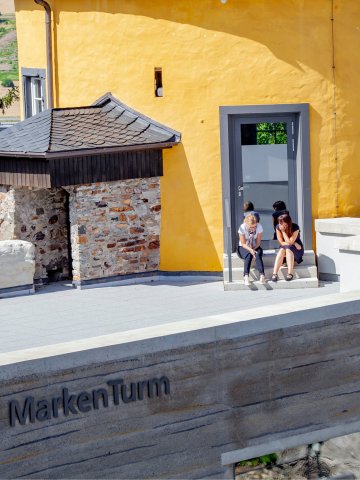
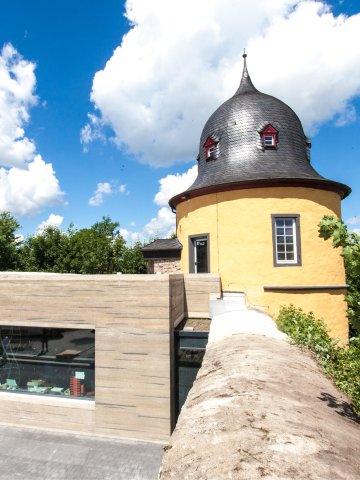
Zehntscheune building with view of the  brand tower from Volksbanken Raiffeisenbanken 
Assistance for Accessibility

  • General

    We are committed to making our websites accessible. Details can be found in our Accessibility Statement. You can provide suggestions for improvement to us through our Report Barrier feedback form.

  • Font Size

    To adjust the font size, please use the following keyboard shortcuts:

    Bigger

    command
    +

    Smaller

    command

    Bigger

    Ctrl
    +

    Smaller

    Ctrl
  • Keyboard Navigation

    Use TAB and SHIFT + TAB to navigate through next/previous links, form elements, and buttons.

    Use ENTER to open links and interact with elements.

  • Contrast mode

    Drücken Sie die folgende Tastenkombination, um den Kontrast zu verringern bzw. zu vergrößern:

    Increase

    control
    option
    command
    .

    Decrease

    control
    option
    command
    ,
    Note: The shortcuts must be enabled in the system settings of the operating system.

    Press the left ALT key + left SHIFT key + PRINT to quickly turn on or off the high contrast mode

  • Invert colors

    Press the following key combination to turn on and off color inversion:

    control
    option
    command
    8
    Note: The shortcuts must be enabled in the system settings of the operating system.

    Press the left ALT key + left SHIFT key + PRINT to quickly turn on or off the high contrast mode

    1. Screen magnifier

    +

    2. Invert colors

    Ctrl
    Alt
    I
  • Screen magnifier

    Press the following key combinations to use the screen magnifier:

    Enable/disable

    option
    command
    8

    Zoom in view

    option
    command
    =

    Zoom out view

    option
    command
    Note: The shortcuts must be enabled in the system settings of the operating system.

    Activate screen magnifier / zoom in view

    +

    Zoom out view

Choose a language